
A step-by-step explanation of the online rideshare inspection process
Drivers can complete a live Uber, Lyft, or Turo vehicle inspection from home in about 15 to 20 minutes.
- Total time
- About 20 minutes
- Live session
- About 15 minutes
- Format
- Live secure video call on a smartphone
- Result
- Signed PDF/Image vehicle inspection report
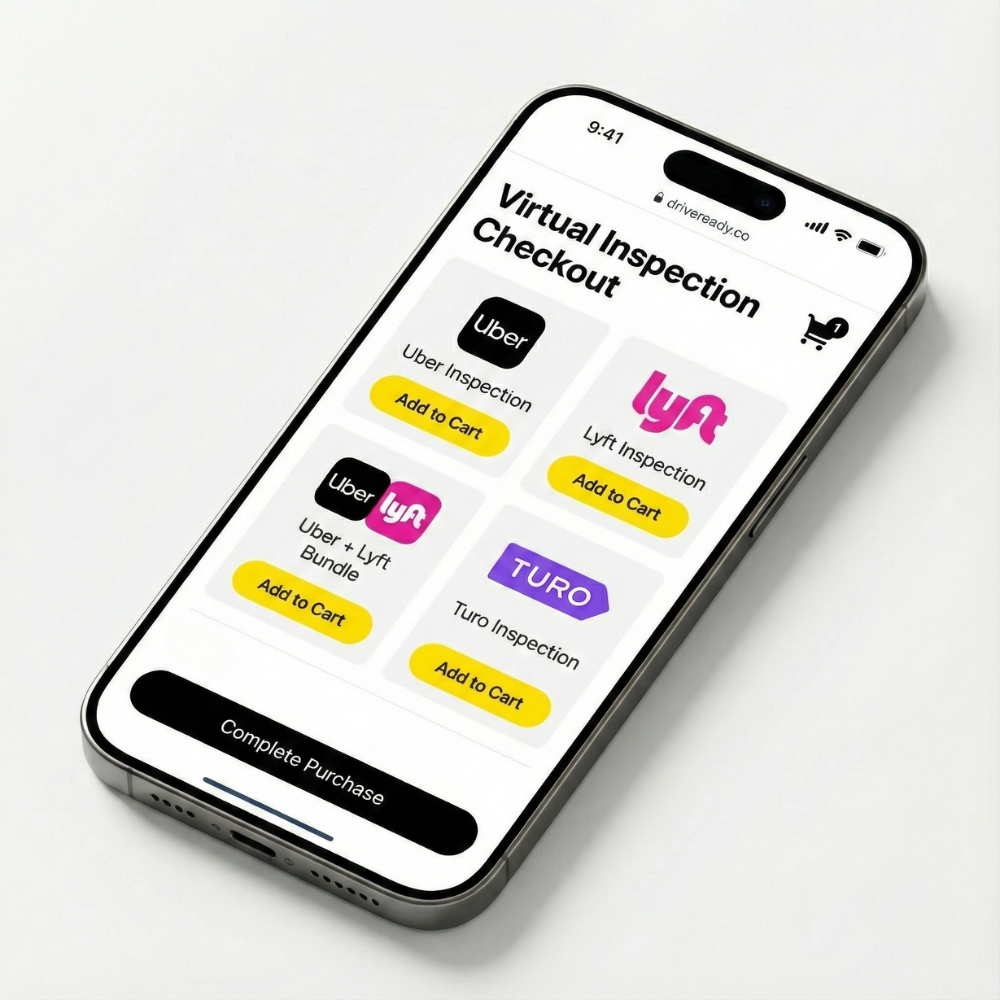
Choose the right inspection
Select the form that matches your platform: Uber, Lyft, Turo, or a bundled multi-platform option.
- Uber Inspections
- Lyft Inspections
- Uber + Lyft Inspections
- Turo Inspections
DriveReady offers platform-specific inspection options so drivers can request the form that matches their rideshare or car-sharing use case.
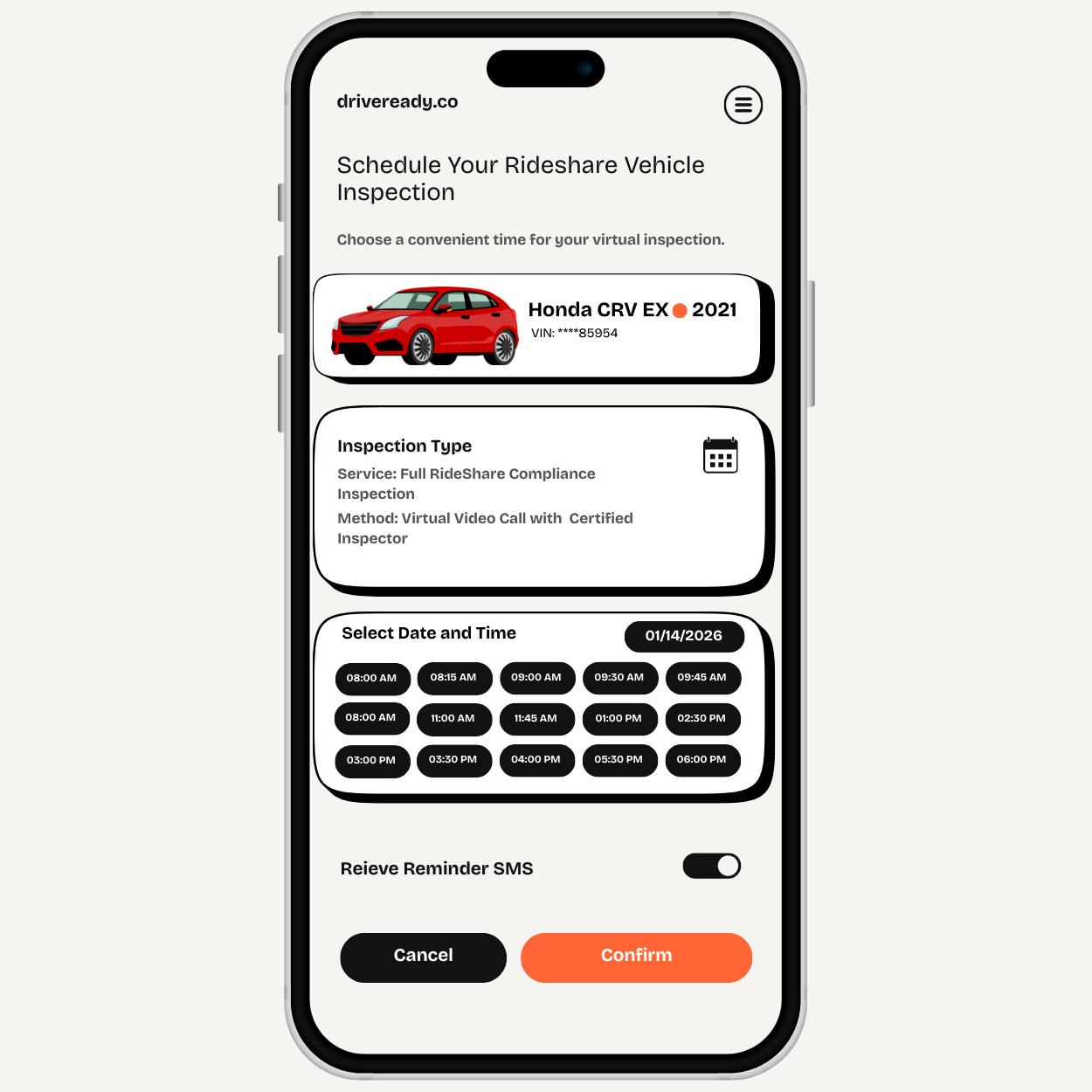
Book your appointment
Complete checkout and choose a time that fits your schedule, including same-day, evening, and weekend availability.
After checkout, the driver receives access to booking and can choose an available appointment window that fits work and vehicle availability.
Prepare the vehicle
Park in a well-lit area, keep your registration ready, and do a quick check of lights, wipers, horn, tires, and warning lights.
A short pre-check helps the inspection move faster and reduces avoidable failures caused by simple issues such as lights, wipers, or active warning indicators.
- Headlights and brake lights
- Turn signals and hazard lights
- Horn
- Windshield wipers
- Tire tread
- Dashboard warning lights

Join the live inspection
Join the secure video link on your phone. An ASE-certified mechanic guides the 19-point inspection and completes the form during the call.
The mechanic verifies the required safety items on camera, including key exterior checks, interior safety checks, dashboard status, and vehicle information.
The live inspection follows a guided 19-point safety process covering exterior condition, interior safety items, dashboard status, and vehicle verification.
Active Check Engine, ABS, or airbag warning lights can prevent a passing result.
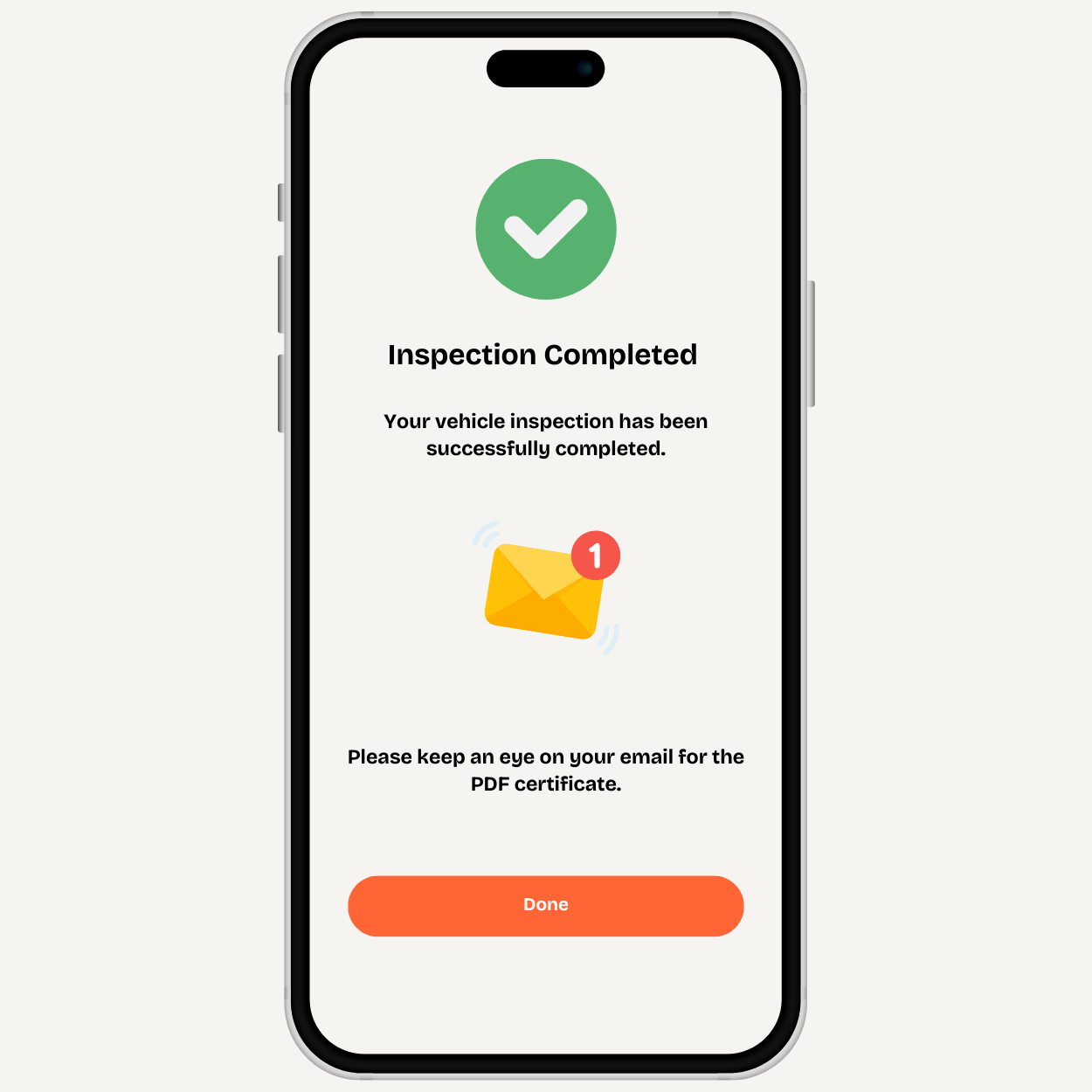
Receive your signed PDF
If the vehicle passes, DriveReady emails a signed PDF inspection form that can be uploaded to Uber, Lyft, or Turo.
The signed inspection form is sent by email after a passing result. If the vehicle does not pass, the failed item is explained and the driver can use the included free re-inspection option after repair.
If the vehicle does not pass, the mechanic explains the issue during the call. After repair, the driver can book the included free re-inspection to verify the corrected item.
Frequently asked questions
The driver joins a live video call on a smartphone, follows the mechanic's instructions, completes the required safety checks on camera, and receives a signed PDF inspection form by email after passing.
The inspection is guided live by an ASE-certified mechanic.
The full process usually takes about 15 to 20 minutes, with the live call typically lasting about 15 minutes.
No. The inspection is joined through a secure link on a smartphone.
DriveReady emails a signed PDF/Image vehicle inspection report that is ready for platform submission.
The mechanic explains the failed item during the call. After the issue is fixed, the driver can use the included free re-inspection option.
How it works
Get your vehicle inspection report fast
-
Purchase
Choose Uber, Lyft, Turo, Wingz, or a bundle.
-
Schedule
Pick a time that works for you.
-
Guided virtual inspection
We walk you through every step.
-
Get your signed report
Emailed after your vehicle passes.